IntraLignes Air France is based on a centralized identity architecture where a single Active Directory password provides access to multiple internal environments, including GPNet. Understanding this mechanism is the first step to securing your connection and avoiding the blocks that regularly affect employees, whether they are cabin crew, pilots, or ground staff.
Shared password between IntraLignes and GPNet: what it changes for security
The IntraLignes portal uses the same Active Directory password as GPNet and other internal Air France services. In practice, a single reset unlocks all portals linked to the employee account.
This convergence simplifies daily management. No need to remember multiple credentials: the IPN (Personal Navigation Identifier) associated with the Windows password is sufficient to navigate from one tool to another.
However, this architecture creates a concentration point for risk. A compromised password simultaneously opens access to schedule management, HR documents, pay slips, and business software. The procedure for connecting to IntraLignes Air France therefore requires strict adherence to the renewal policies imposed by the IT department.
| Element | IntraLignes | GPNet |
|---|---|---|
| Identifier | IPN | IPN |
| Password | Active Directory (Windows) | Active Directory (Windows) |
| Strong Authentication | PingID (gradual deployment) | Variable depending on the position |
| Remote Access (outside AF network) | VPN required | VPN required |
| Reset | Unique HABILE portal | Unique HABILE portal |
PingID and strong authentication: the new access lock for the employee portal
For a few months now, Air France has been rolling out PingID at headquarters and at stations, replacing the historical token on certain positions. This increase in multi-factor authentication (MFA) now conditions secure access to IntraLignes for a growing part of the staff.
The principle: after entering the IPN and password, the employee validates their connection via a notification on the PingID app installed on their phone. Without this validation, access to the portal is denied, even with correct credentials.
Concrete steps to activate PingID
- Install the PingID app from your phone’s store (iOS or Android), then link it to your employee account via the HABILE portal.
- During the first login to IntraLignes, a pairing code is generated on the screen. Enter it in the app to permanently link the device to the account.
- For each subsequent login, approve the push notification sent by PingID. The validation time is a few seconds.
Employees who change phones must re-link PingID via HABILE. Forgetting this step is the most common cause of blocks reported to IT support teams.
VPN mandatory outside Air France network: remote access constraints
Accessing IntraLignes from an external network (home, hotel during layover, public Wi-Fi) requires an iPN VPN connection. Without an active VPN, the portal remains inaccessible from outside the corporate network.
This requirement is rarely detailed in guides that limit themselves to entering the username and password. However, it directly concerns cabin crew and pilots, who frequently check their flight schedules from locations far from headquarters.
VPN configuration on different devices
The VPN client provided by Air France is configured only once on each device. On a work computer, it is usually pre-installed. On an authorized personal device, the employee must download the VPN client from the dedicated portal and enter the network settings provided by the IT department.
A poorly configured VPN or an outdated version of the client causes repeated disconnections. Checking the VPN software update before attempting a connection avoids most of the tickets sent to support.
IntraLignes account lock: frequent causes and quick resolution
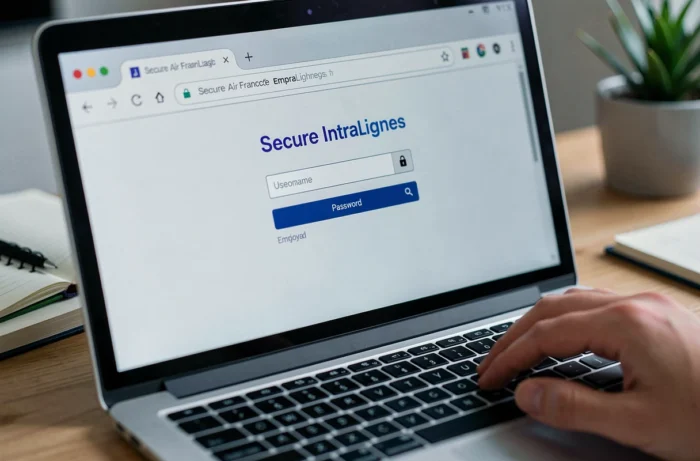
Most blocks come from three specific situations: expired password, PingID not re-linked after a phone change, or multiple login attempts with an old password.
- Expired password: renewal policies require regular changes. The HABILE portal allows you to reset the Active Directory password, which simultaneously unlocks IntraLignes, GPNet, and other related services.
- PingID unlinked: after a phone change or reset, the PingID pairing is lost. You must restart the pairing procedure from HABILE before any login attempt.
- Automatic locking: several incorrect entries trigger a temporary account lock. Wait for the indicated time or contact IT support for a manual lift.
In all three cases, HABILE remains the single entry point to regain access. Keeping functional access to professional email facilitates the receipt of reset codes.
The IntraLignes portal concentrates the professional life of Air France employees on a single platform, but this centralization requires rigor in managing credentials. Keeping PingID active, monitoring password expiration, and checking VPN configuration before each remote connection are the three reflexes that separate smooth access from a call to support.